
Maximizer
CRM Tours

Base Edition
Discover Maximizer’s core functions with a guided tour of its user interface. Investigate which customization options would best support your business needs. Learn how to create contacts to lay the foundation for efficient and personalized interactions.
Get an overview of Maximizer’s capabilities so you can upgrade your business with confidence.
Sales Leader Edition
Sales leaders: looking to streamline your sales process and coach your team more effectively?
Learn how to use Sales Leader Edition to ensure that you meet this year’s sales targets while connecting with your team every step of the way.

Financial Advisor Edition
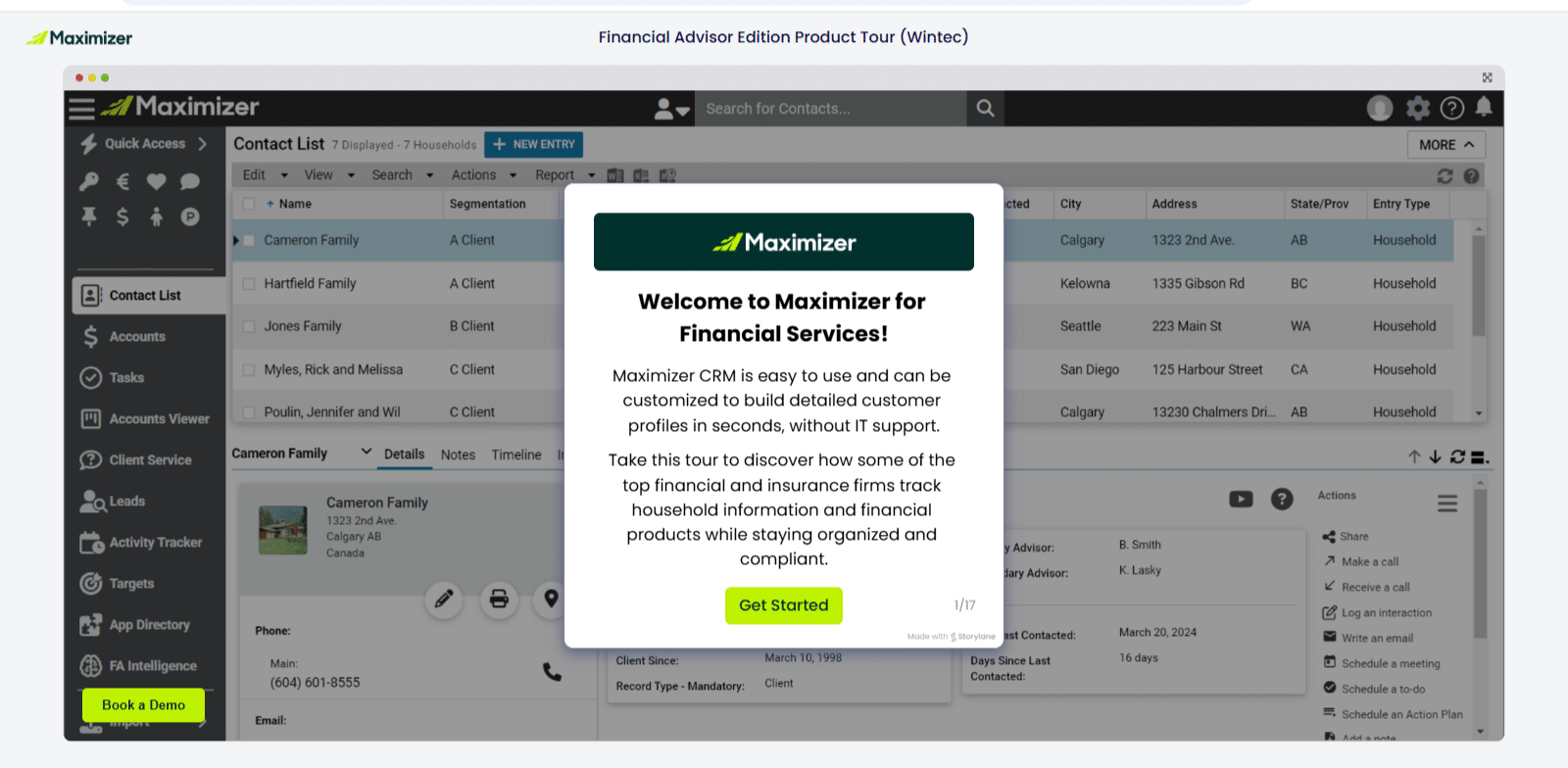
Tour the Financial Advisor Edition to establish clear targets and objectives for each client and track their progress so you can monitor their success.
Learn how to manage opportunities and track financial products and keep a well-managed digital book of business.
Opps Viewer
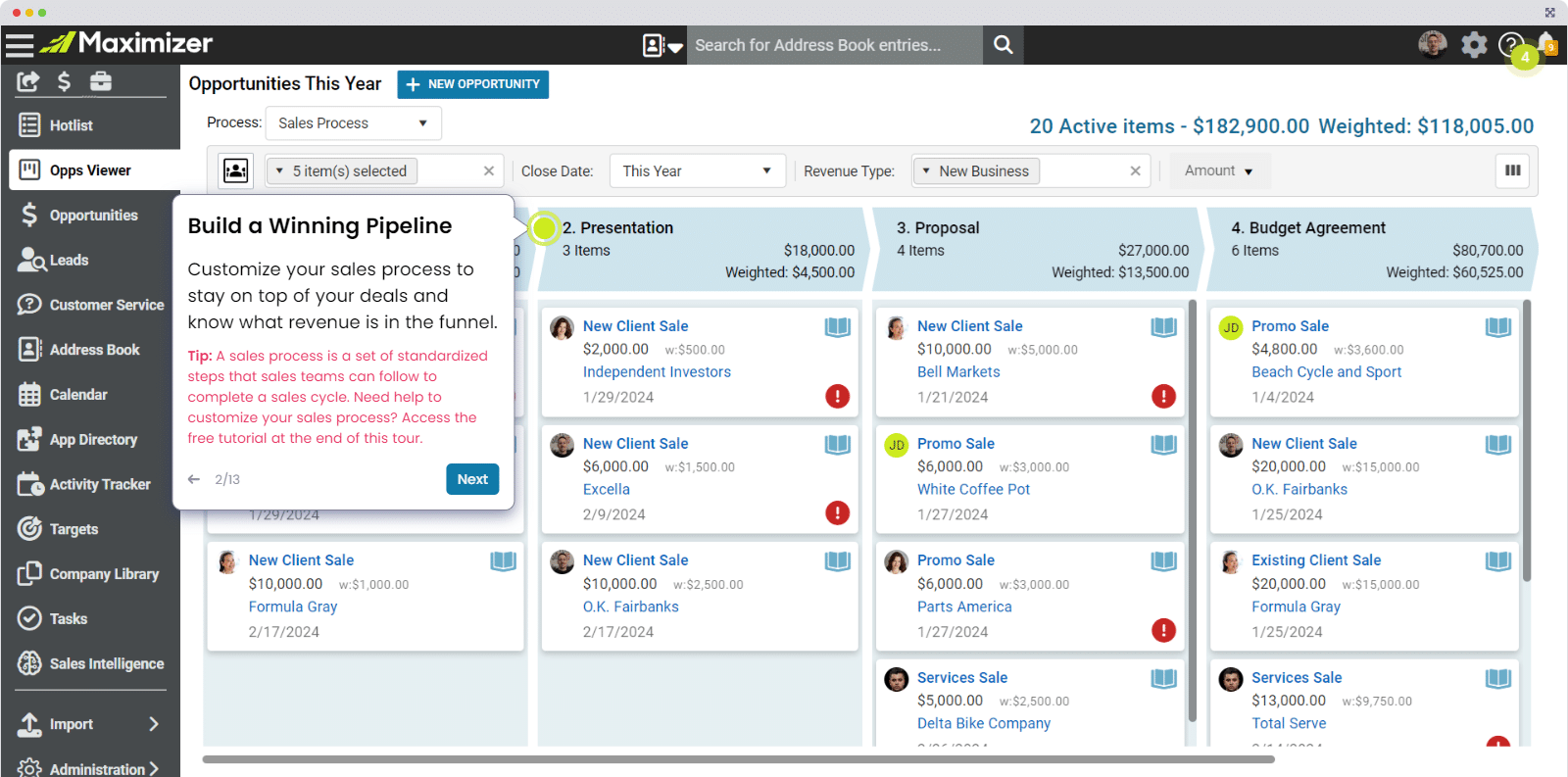
Learn how to leverage the Opps Viewer to stay on top of your sales pipeline.
Explore its filtering capabilities and Kanban view of your pipeline. Learn how to build a weighted funnel to optimize team performance and revenue predictions. Discover how to use the Playbook and Max-AI to enhance the consistency and quality of customer follow-ups.
Activity Tracker
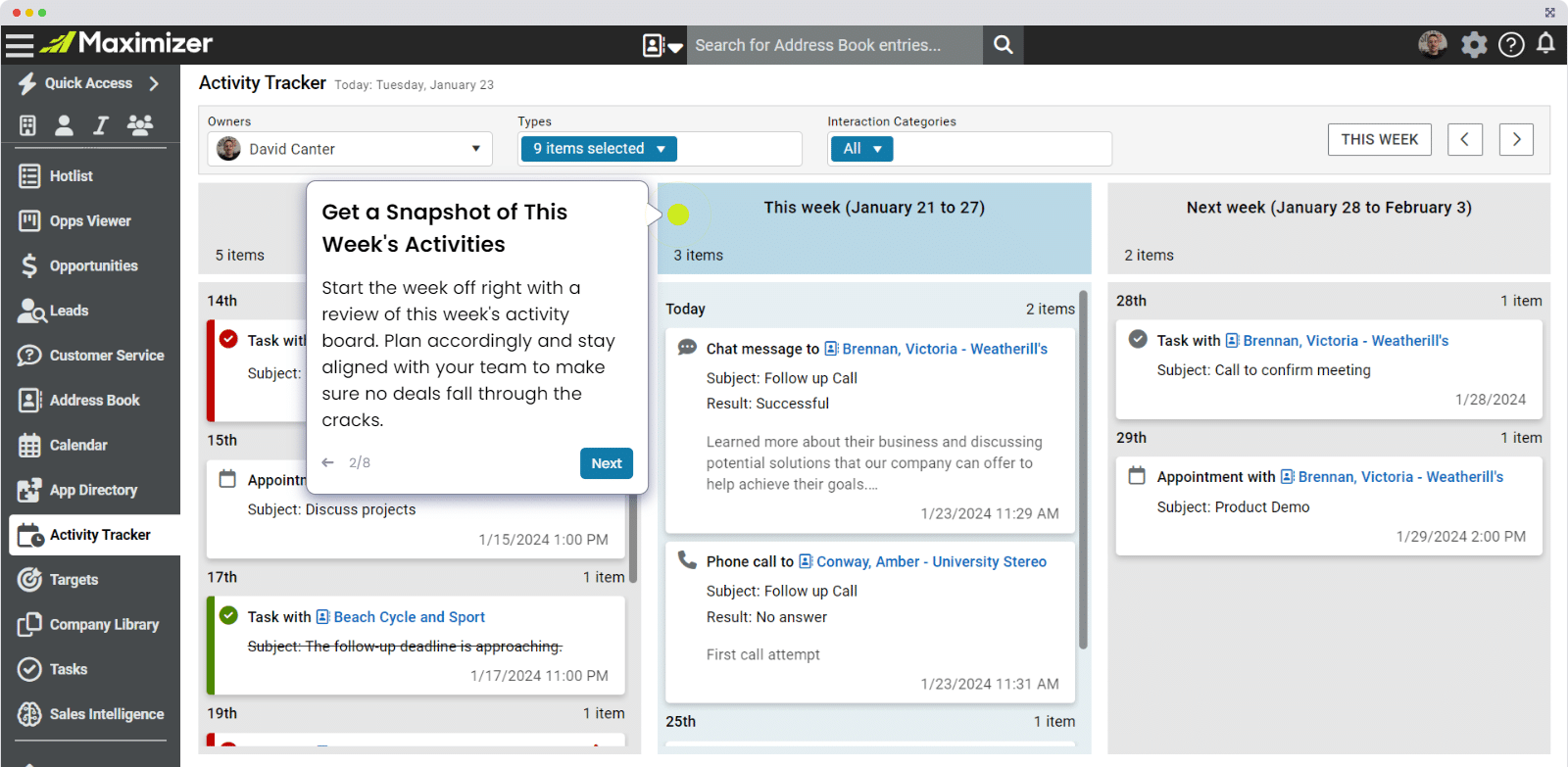
Take a tour of the Activity Tracker to experience its streamlined Kanban display for keeping track of calls, meetings, follow-ups, and other activities.
Learn how to enhance your review, follow-up, and planning processes seamlessly within the tracker.

Targets
Learn how to set and track revenue and activity goals for your sales teams using the Targets module, facilitating more sales and faster deal closures.
Make the most of Targets by using it to replicate successful activities, assess team performance, and refine future goals.
Sales Intelligence
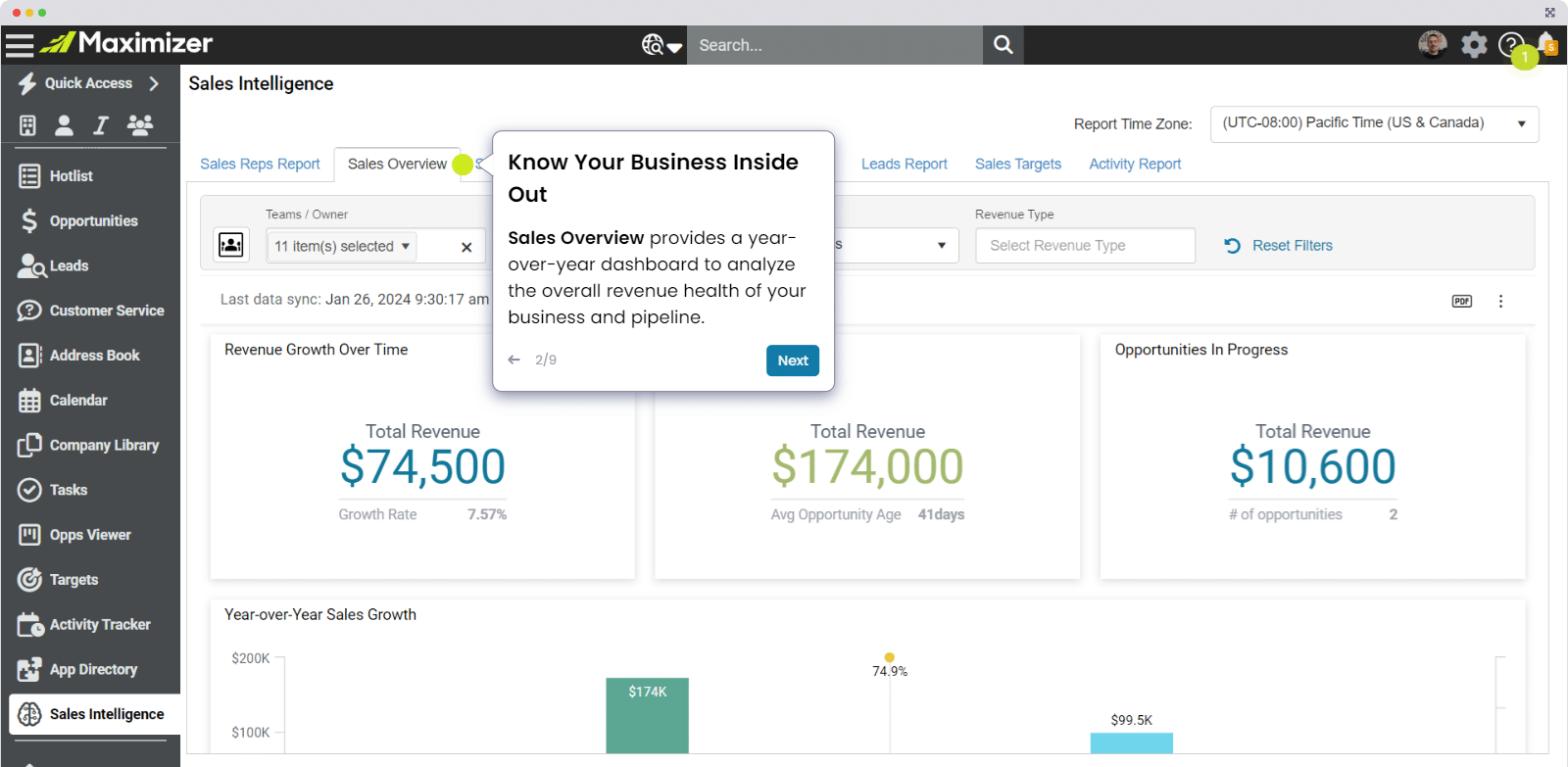
Learn how to use the Sales Intelligence tool to make more informed decisions, streamline your processes, and improve the health of your sales funnel.
Discover its sales-focused dashboards and learn how to use filters to get vital information without having to build any custom reporting. Manage your pipeline, track targets, monitor performance, forecast sales, and analyze conversion rates with efficiency and ease.

"We have been thrilled with the progress we have made through the Maximizer/Wintec partnership."
Alta Capital has been using Maximizer for many years and recently implemented a workflow system utilizing the Customer Service functionality. Prior to implementation, we were only using the Address Book feature, which did not give us a full picture of client requests and communications. We were not taking advantage of everything Maximizer has to offer. Implementing the workflow has allowed us to enhance client data by linking requests directly to the client, giving us greater insight into communication and client habits.
Deborah Holmes, Senior Operations Associate, Alta Capital